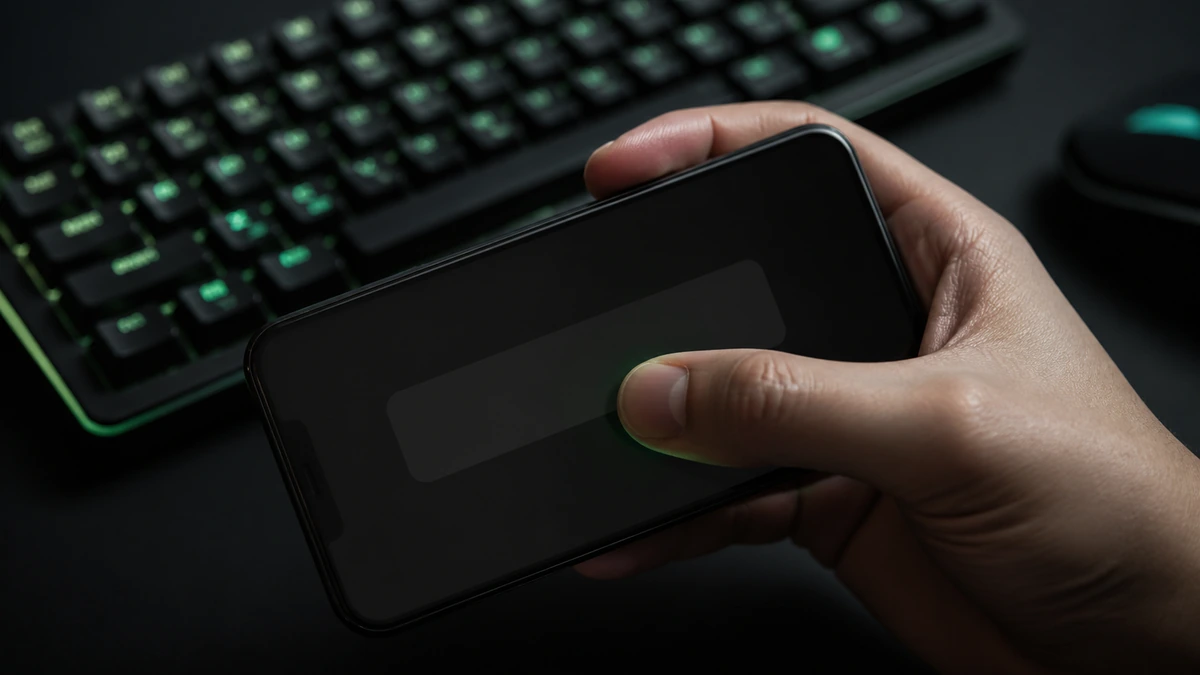
You do not need a keyboard to test your speed. On a phone or tablet, Spacebar Clicker shows a large on screen key you tap instead of a physical spacebar, and everything else works exactly the same. This guide covers how the mobile version behaves, how tapping compares to pressing a key, and how to get a clean score on a touchscreen.
The short version
- On mobile you tap a large on screen key instead of the spacebar.
- Taps are counted and timed exactly like key presses.
- A two finger drum can be faster than single finger taps.
- Add the page to your home screen for one tap access.
How it works on mobile
The tool is fully responsive, so on a smaller screen it rearranges itself around a big, easy to hit key. When you tap that key, the counter adds one and records the time, just as it would for a keyboard press. The timer, the live clicks per second, the score board, and the speed ratings all behave identically. Nothing about the measurement changes; only the input does.
Tapping versus pressing a key
Tapping a screen and pressing a mechanical key feel quite different, and most people are naturally faster on one than the other. A key gives you a physical rebound to push against, while a touchscreen is flat and relies on your finger lifting and landing. Neither is officially better, but because the sensations differ, your phone score and your keyboard score will often differ too, and that is completely normal.
Different feel, same math. A tap and a key press are counted with the identical formula. Any gap between your phone and keyboard scores comes from the input, not the tool.
Mobile tapping technique
On a touchscreen, technique shifts a little. Many people find that drumming two fingers on the key, alternating quickly, beats single finger tapping, much like the two finger method on a keyboard. Because the on screen key is large, you have room to use more than one finger comfortably. Experiment with a light, quick drum and see whether your screen registers it cleanly. Our techniques guide covers the alternating idea in more depth.
Getting a clean mobile score
A few small things help on mobile. Hold the device steady or rest it on a surface so it does not move as you tap. Make sure your screen is clean and dry, since a smudged or wet screen can miss taps. Tap firmly enough to register but no harder, and lift cleanly between taps. As on a keyboard, warm up for a few seconds and take your best of several attempts.
Adding it to your home screen
For quick access, most mobile browsers let you add a website to your home screen, giving you a tap to open icon without installing an app. This is the closest thing to a native app and means the clicker is always one tap away. Once loaded it runs locally, so a brief connection drop will not interrupt a run, as our online versus offline guide explains.
Comparing phone and keyboard scores
Because tapping and pressing feel so different, compare like with like. Keep a separate mental note, or a separate best, for your phone and your keyboard, and do not expect them to match. If you are competing with friends, agree on the same device type so the contest is fair. A phone score is a perfectly valid measure of your tapping speed; it is just a different test from the keyboard one.
Frequently asked questions
Does Spacebar Clicker work on my phone?
Yes. It shows a large on screen key you tap, and the counter, timer, and score board all work the same as on a keyboard.
Why is my phone score different from my keyboard score?
Tapping a flat screen feels very different from pressing a key with a rebound, so most people are faster on one than the other. Both are measured the same way.
What is the fastest way to tap on mobile?
Many people find a quick two finger drum on the large key faster than single finger taps. Experiment and see what your screen registers cleanly.
Can I add it to my home screen?
Yes. Most mobile browsers let you add the page to your home screen for one tap access, with no app to install.