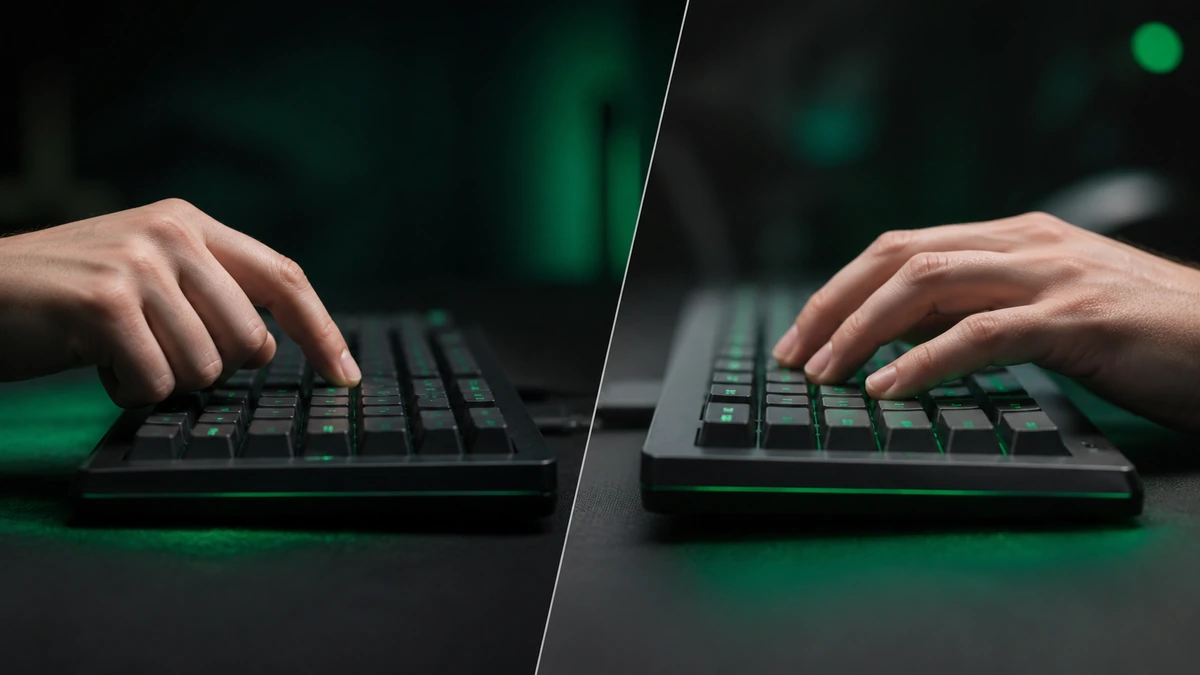
There is no single correct way to press a spacebar fast. Different techniques suit different hands, and the best one for you is the one you can repeat comfortably at speed. This guide walks through the main approaches, honestly, so you can experiment and find your fit. Test each one with Spacebar Clicker and let the score board tell you what works.
The short version
- A relaxed hand and light touch underpin every technique.
- Single finger tapping is simple and consistent.
- Two finger alternating can be faster once you learn it.
- Give any new technique a week before you judge it.
The basics that apply to every method
Before the specific techniques, three things help no matter how you press. Keep your hand relaxed, because tension is slow. Use a light touch, since you do not need to bottom out the key to register a press. And keep a steady rhythm rather than a frantic scramble, because consistent presses add up faster than chaotic ones. Master these and every technique below gets easier.
Single finger tapping
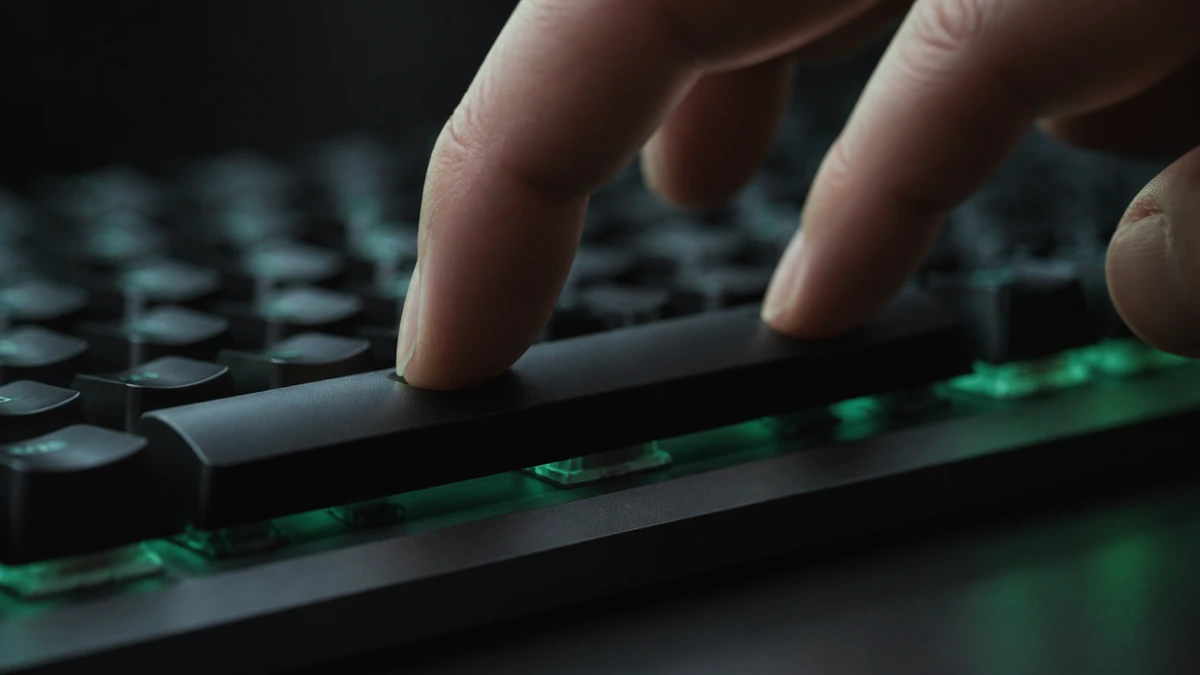
The most natural method is to tap the spacebar with a single finger, usually the thumb or index finger. It is easy to control, easy to keep consistent, and it is where almost everyone starts. The limit is that one finger can only move so fast, so single finger tapping tends to plateau at a comfortable speed. For many people that is perfectly enough, especially for warming up or casual competition.
Start here. Even if you plan to learn a faster method, single finger tapping builds the rhythm and control that everything else relies on.
Two finger alternating
Two finger alternating is the most reliable way to beat the single finger ceiling. You use two fingers, often the index and middle, and take turns pressing the key so that one presses while the other lifts. Done well, it roughly doubles how quickly the key can be hit because you are never waiting for a single finger to reset. It takes practice to keep the alternation even, but once it clicks it is the technique most fast clickers rely on for the spacebar.
The key is evenness. If one finger is much stronger than the other, your rhythm will stutter. Practice slowly at first, focus on a smooth back and forth, and let the speed come naturally as the pattern becomes automatic.
Adapting jitter clicking
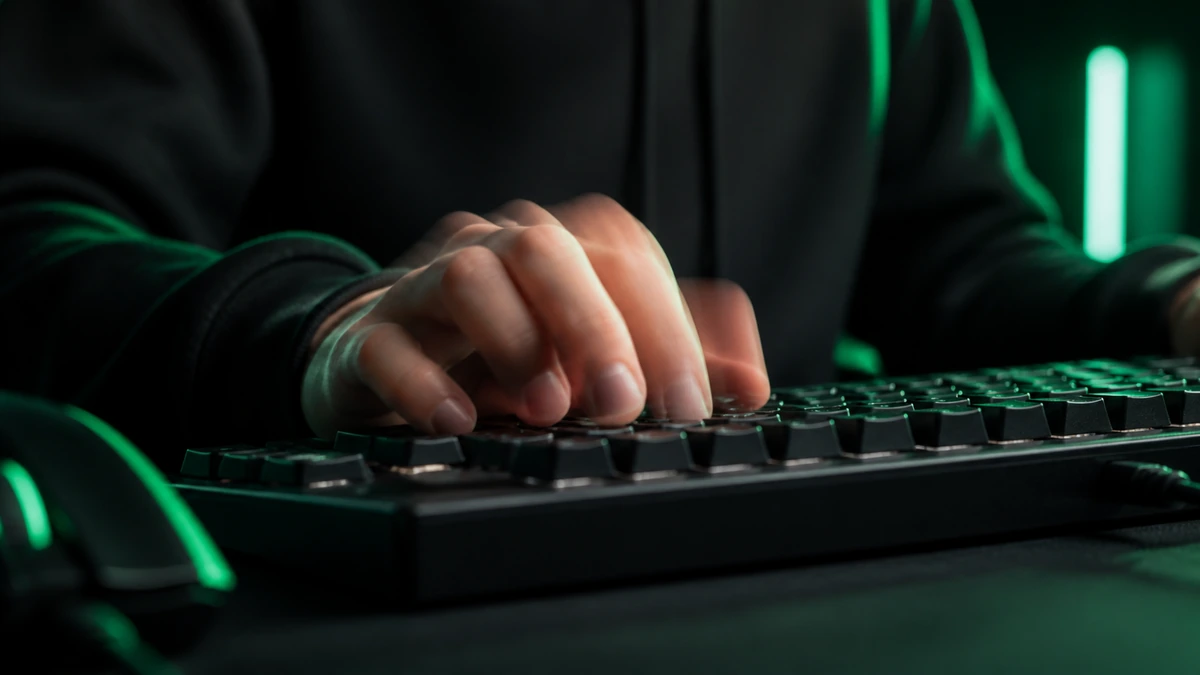
Jitter clicking comes from the mouse world, where you tense your arm and let a controlled tremor drive very fast clicks. It can be adapted to the spacebar by tensing the hand slightly and letting a fine, rapid vibration tap the key. It can be fast, but it is hard to control, tiring, and more likely to strain your hand than the gentler methods. Our jitter versus butterfly guide covers it in detail, including the risks.
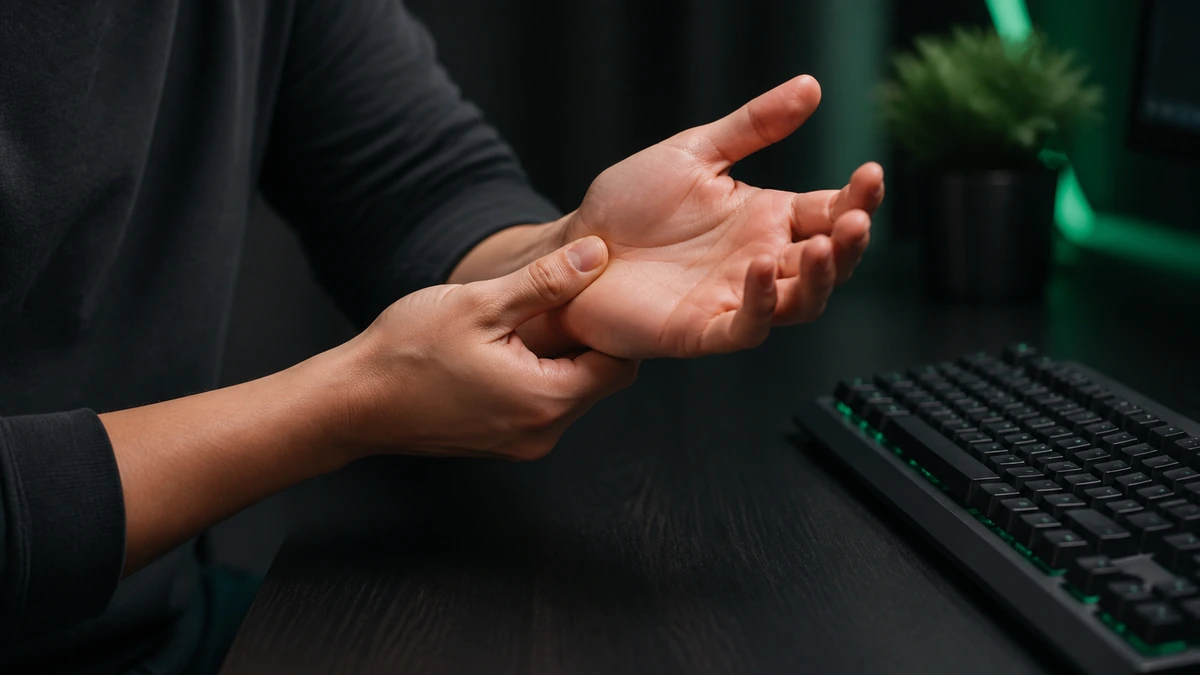
Jitter with caution. The tension that makes jitter clicking fast is also what makes it hard on your hand. Keep sessions very short and stop at any sign of discomfort.
Drag and slide taps
On a touchscreen, some people find a light drumming or sliding motion across the on screen key faster than distinct taps. Because a phone counts each contact as a press, a quick two finger drum can rack up presses efficiently. This only applies to touch devices, and it takes a little experimentation to find a motion your screen registers cleanly.
How to pick a technique
Choose based on comfort and repeatability, not just top speed. A method you can sustain smoothly will beat a faster one you cannot control. Try single finger and two finger alternating first, since they are comfortable and effective for most people. Only explore jitter style methods if you enjoy them and your hand tolerates them well. Whatever you pick, our improvement guide shows how to drill it.
Frequently asked questions
Which technique is fastest?
Two finger alternating is the fastest sustainable method for most people. Jitter style methods can spike higher but are hard to control and tiring.
How long until a new technique feels natural?
Usually a week or two of short, regular practice. It will feel slower at first while your hand learns the pattern.
Is two finger clicking allowed?
Yes. You are pressing the key with your own hand, which is exactly what the tool measures. It is a legitimate technique.
Do these techniques work on mobile?
Single finger and drumming methods work well on a touchscreen. Two finger alternating can work too if the on screen key is large enough.