Almost anyone can add a click or two per second to their spacebar speed with a little structure. Raw talent helps, but most gains come from a comfortable setup, a technique that suits your hand, and a bit of patient practice. This guide gives you a clear plan: measure where you are, fix the basics, pick a technique, and drill it. You can test your progress at any point with Spacebar Clicker.
The short version
- Measure a baseline in the ten second mode before you change anything.
- A relaxed hand is faster than a tense one, so fix your grip first.
- Pick one technique and practice it rather than switching constantly.
- Warm up, take breaks, and treat sore hands as a stop signal.
Start with an honest baseline
You cannot tell if you are improving without a starting point. Run the ten second mode three times, rest between attempts, and note your best CPS. Ten seconds is the sweet spot for a baseline because it is long enough to be repeatable but short enough that fatigue barely affects the result. Write the number down or let the score board remember it, then leave it alone for now.
Resist the urge to chase a big number on day one. A reliable baseline you can beat next week is worth far more than a lucky spike you cannot repeat.
Fix your grip and posture
Speed lives in a relaxed hand. If your fingers are rigid and your forearm is braced, every press fights against tension. Sit with your wrist floating or lightly supported, keep your shoulder loose, and let your hand hover rather than press down hard. You are aiming for light, quick taps, not heavy strikes.
Small changes here often add speed immediately. Many people find they can press faster simply by relaxing their grip and lowering how hard they hit the key. A lighter touch also protects your hand, which matters when you are doing something repetitive.
Test one change at a time. If you adjust your grip, your technique, and your keyboard all at once, you will not know what actually helped. Change one thing, run a test, and compare.
Choose a pressing technique
There are a few common ways to press for speed, and the right one depends on your hand. Single finger tapping is simple and consistent. Two finger alternating, where two fingers take turns on the key, can be faster once you build the coordination. Some people borrow ideas from mouse clicking styles like jitter and butterfly clicking and adapt them to the spacebar. Our techniques guide breaks each one down, and the jitter versus butterfly comparison is worth a read before you commit.
Whatever you choose, give it real practice before you judge it. A new technique almost always feels slower for the first few sessions because your hand has not learned the pattern yet.
Pace the longer modes
The thirty and sixty second modes are not just longer sprints. They reward pacing. If you start at maximum speed you will burn out and your CPS will crater in the second half. A better approach is to start slightly below your top speed, settle into a steady rhythm, and only push hard in the final few seconds. Think of it like running: nobody sprints the first lap of a distance race.
| Mode | What it rewards | Common pattern |
|---|---|---|
| 5 seconds | Explosive burst speed | Highest CPS of any mode |
| 10 seconds | Repeatable speed | Slightly below the 5 second peak |
| 30 seconds | Rhythm and stamina | Noticeable fade without pacing |
| 60 seconds | Endurance | Lowest CPS, biggest pacing effect |
Three drills that build speed
Structured practice beats random clicking. Try these three short drills, no more than a few minutes each:
- Burst ladders: run five second tests back to back, resting between each, and try to raise your best by a fraction each round.
- Rhythm holds: in free mode, click at a steady, controlled pace for twenty seconds without speeding up. This trains consistency, which pays off in the long modes.
- Finish sprints: in the thirty second mode, deliberately hold back for the first twenty seconds, then sprint the last ten. This teaches you to keep something in reserve.
Breaking through a plateau
Everyone hits a wall where their score stops climbing. When that happens, the answer is rarely to try harder in the same way. Instead, rest for a day or two, because tired hands are slow hands. Then change one variable: a different technique, a lighter touch, or a warm up you were skipping. Small, deliberate adjustments break plateaus far more often than brute force.
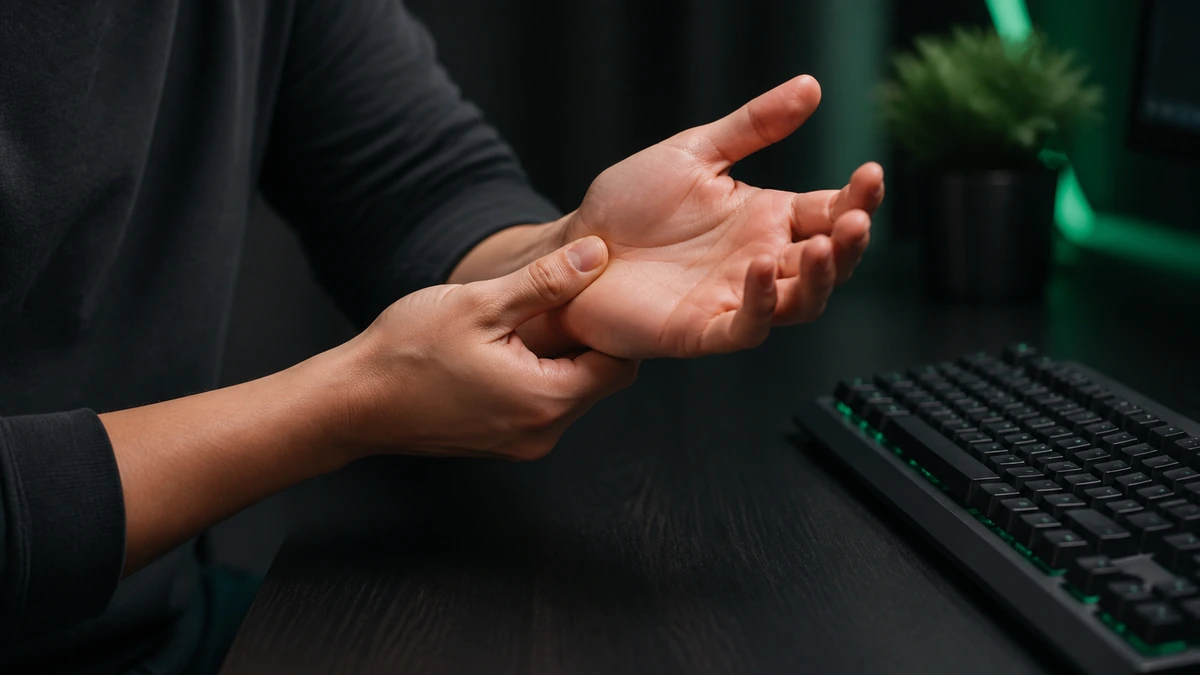
Speed is not worth an injury. If your hand aches, tingles, or feels weak, stop and rest. Our hand strain guide explains the warning signs and how to keep practicing safely.
Frequently asked questions
How fast can I realistically get?
Most people can reach six to eight CPS with practice. Sustained speed above ten is rare and usually requires a dedicated technique and a lot of repetition.
How long until I see improvement?
Grip and warm up changes can help in a single session. Technique changes take a week or two of short, regular practice before they pay off.
Does the keyboard matter?
It can. A light, responsive switch is easier to press quickly than a heavy one. Our keyboard guide covers what to look for.
Should I practice every day?
Short, frequent sessions beat long marathons. A few focused minutes most days improves speed while giving your hands time to recover.