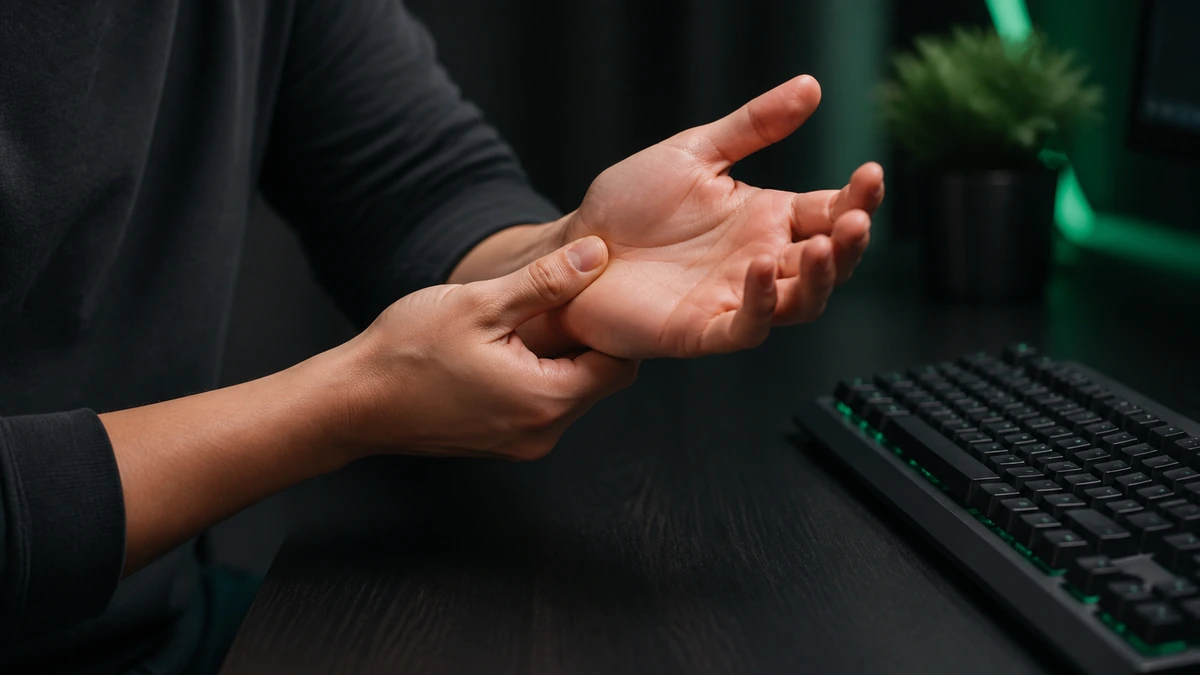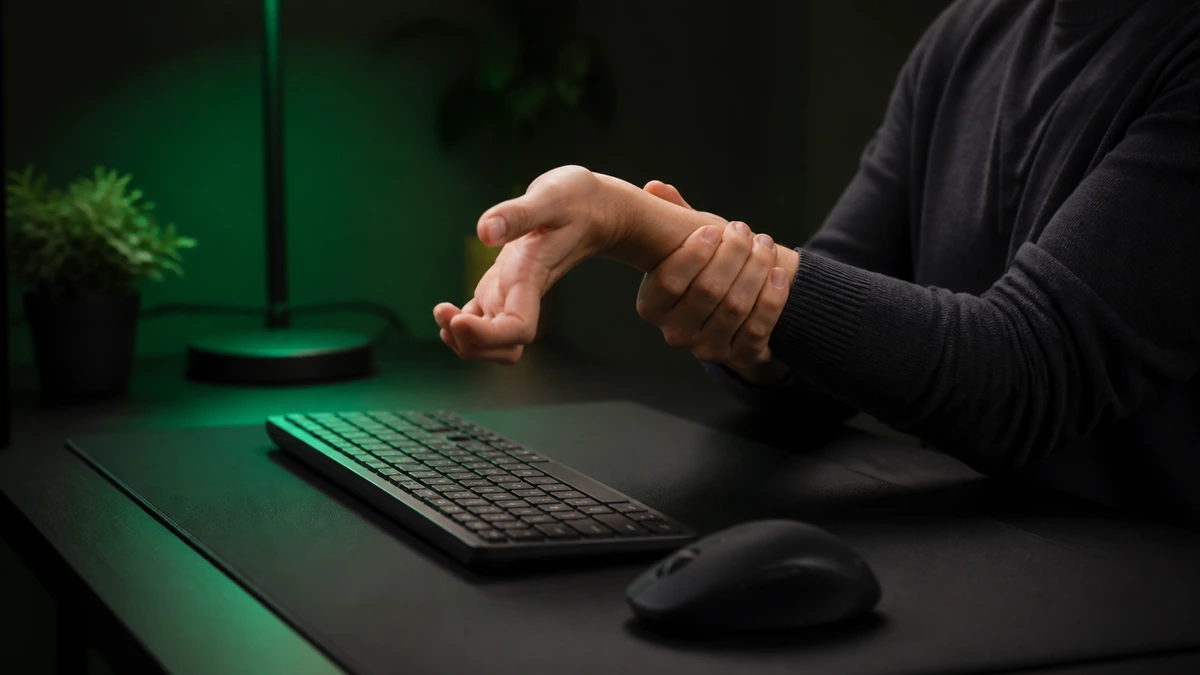
Clicking fast is fun, but it is still a repetitive motion, and repetitive motions can strain your hands if you are careless. The good news is that a few simple habits keep the risk low so you can enjoy Spacebar Clicker without paying for it later. This guide covers the warning signs, the setup, and the breaks that protect your hands. It is general guidance, not medical advice.
Please read this first. This article offers general tips only. If you have pain, an existing condition, or any concern, stop and speak to a qualified health professional.
The short version
- Rapid, repeated pressing is a strain risk if overdone.
- Pain, tingling, or weakness are stop signals, not challenges.
- A relaxed grip and neutral wrist reduce load.
- Short sessions with breaks beat long marathons.
Why rapid clicking can strain hands
Fast clicking asks the small muscles and tendons of your fingers, hand, and forearm to contract quickly and repeatedly. In short, light bursts that is no problem. The risk comes from doing too much, too hard, for too long, especially with a tense grip. Overloading those tissues without rest is how repetitive strain builds up. The aim is to keep the load light and give your hands time to recover.
Warning signs to respect
Your body gives you clear signals. Learn to respect them rather than push through:
- Aching in the fingers, hand, or forearm during or after clicking.
- Tingling or numbness in the fingers.
- Weakness or clumsiness in your grip.
- Stiffness that lingers after you stop.
If you notice any of these, stop for the day. If they persist, see a health professional. These signals are not obstacles to overcome, they are your body asking you to rest.
Posture and grip
How you hold your hand changes how much strain each press creates. Keep your wrist as neutral as you can, not bent sharply up or down. Let your hand stay relaxed rather than braced, and use a light touch instead of hammering the key. A lighter press does the same job with far less load, and it is usually faster too, so good habits and good speed go together.
Lighter is safer and faster. You do not need to bottom out the key to register a press. A soft, quick touch protects your hand and improves your rhythm.
Breaks and pacing
The single best habit is to keep sessions short and take breaks. A few minutes of clicking followed by a rest is far kinder than a long, unbroken marathon. If you are practicing to improve, spread it across several short sessions rather than one exhausting block. Your hands recover between sessions, and rested hands are faster hands, so this helps your scores as well as your health.
Simple stretches
A few gentle movements before and after clicking help keep your hands loose. Slowly open and close your fists, gently roll your wrists in both directions, and softly stretch your fingers back and forth. Nothing should hurt. These take under a minute and are covered in more detail in our warm up guide. Warming up before and easing down after both reduce strain.
Building healthy habits
Healthy clicking is really just a set of small, consistent habits: warm up, keep a light grip, take breaks, and stop at the first sign of discomfort. Build these into how you use the tool and the risk stays low. Speed is worth chasing, but never at the cost of your hands, which have to serve you for everything else you do.
Frequently asked questions
Is clicking bad for my hands?
Not in moderation. The risk comes from overdoing it with a tense grip. Short sessions with a light touch are low risk for most people.
What should I do if my hand hurts?
Stop for the day. If pain, tingling, or weakness persists, see a qualified health professional. Do not push through it.
How long should a session be?
Keep it short, a few minutes at a time, with breaks. Several short sessions beat one long marathon.
Do warm ups really help?
Yes. Loose, warm hands handle rapid motion better and are less prone to strain. See our warm up guide for a simple routine.