Jitter clicking and butterfly clicking are the two techniques people reach for when they want the highest possible click rate. Both come from the mouse world, both can post eye watering numbers, and both come with trade offs. This guide compares them fairly and explains how each translates to the spacebar, so you can decide whether either is worth learning. Test your results on Spacebar Clicker as you experiment.
The short version
- Jitter clicking uses controlled arm tension to drive a fast tremor.
- Butterfly clicking alternates two fingers on one button.
- Butterfly is usually easier to sustain than jitter.
- Both can strain your hand, so use them sparingly.
How jitter clicking works
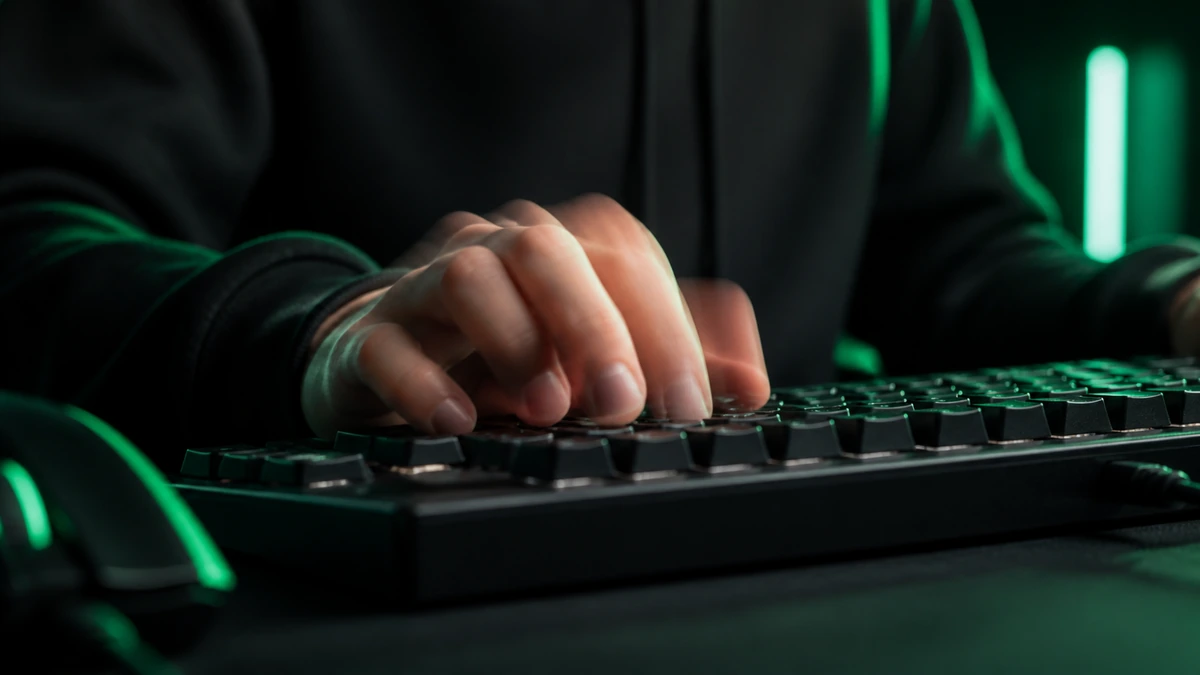
Jitter clicking relies on deliberately tensing your forearm and wrist so your hand produces a fast, fine tremor. Instead of consciously moving a finger up and down, you let that controlled vibration tap the button rapidly. Done well it can reach very high click rates. The catch is control: the same tension that generates speed makes it hard to aim and hard to keep steady, and it is tiring to hold.
How butterfly clicking works
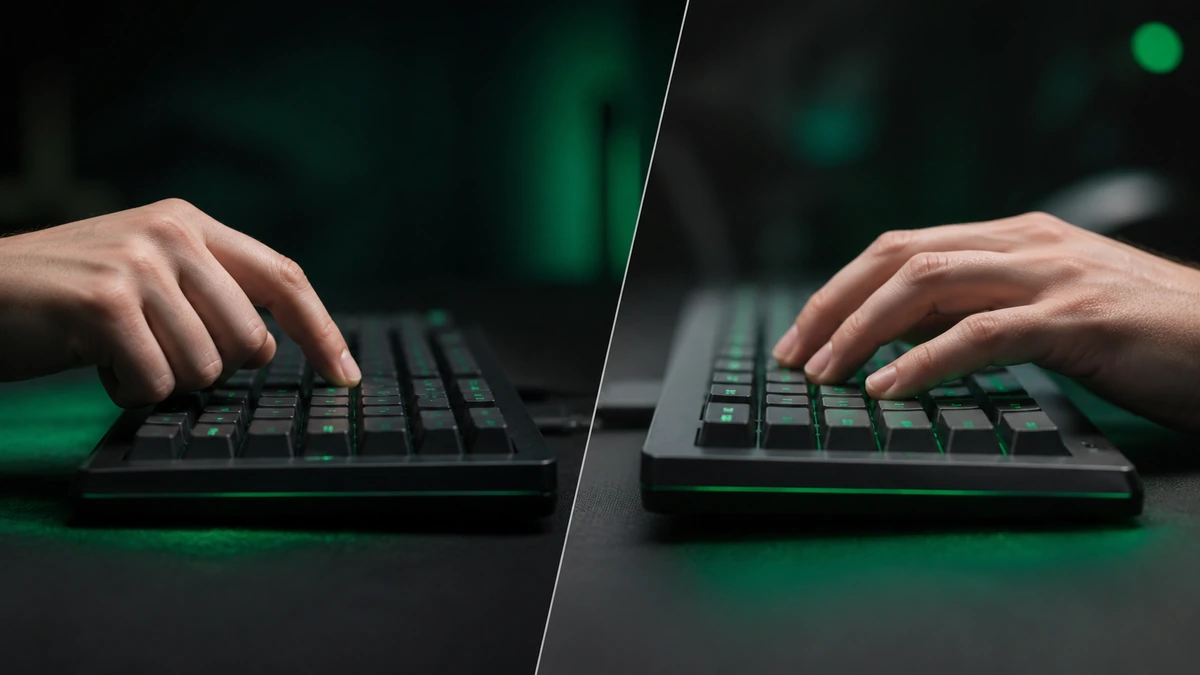
Butterfly clicking uses two fingers on a single button. You alternate them so that as one finger lifts, the other is already pressing, effectively doubling the number of presses your hand can produce. On a mouse this can register huge rates, sometimes helped by the way a mouse reports rapid clicks. It is generally smoother and less tiring than jitter clicking, though keeping the alternation even takes practice.
Same idea, different key. Butterfly clicking is essentially two finger alternating applied to a mouse button, and it maps neatly onto the spacebar.
Which is faster
On a mouse, both can exceed what a single finger could ever manage, and which comes out on top depends heavily on the person and the hardware. Jitter clicking can spike higher in short bursts, while butterfly clicking tends to sustain a strong rate for longer with less effort. For most people, butterfly style alternating gives a better balance of speed and control.
| Aspect | Jitter | Butterfly |
|---|---|---|
| Method | Controlled arm tremor | Two fingers alternating |
| Peak speed | Very high in bursts | High and sustainable |
| Control | Harder | Easier |
| Fatigue | High | Moderate |
| Strain risk | Higher | Lower |
The risks of each
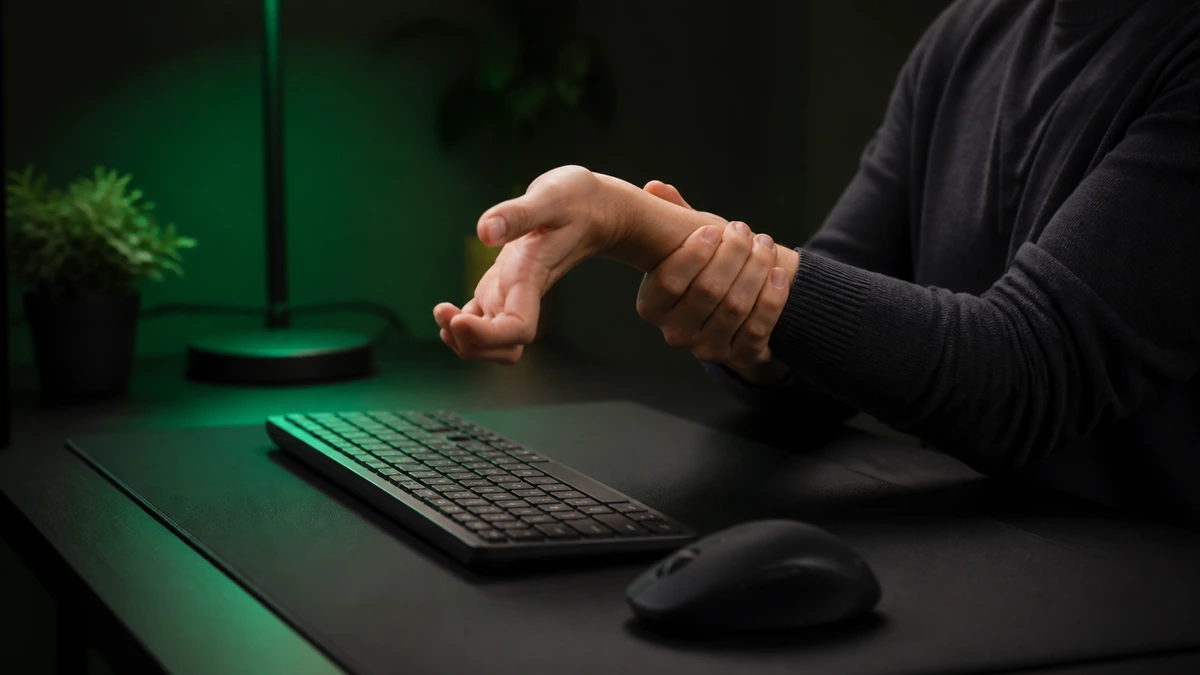
Both techniques stress your hand, and jitter clicking especially so. The sustained tension of jitter clicking can cause fatigue and, over time, contribute to repetitive strain if you overdo it. Butterfly clicking is gentler but still involves rapid, repeated motion. Neither is worth an injury, so keep sessions short, warm up first, and stop immediately if you feel pain, tingling, or weakness.
Your hands come first. No score is worth lasting strain. If a technique hurts, it is not for you. Read our hand strain guide before pushing hard.
Mapping them to the spacebar
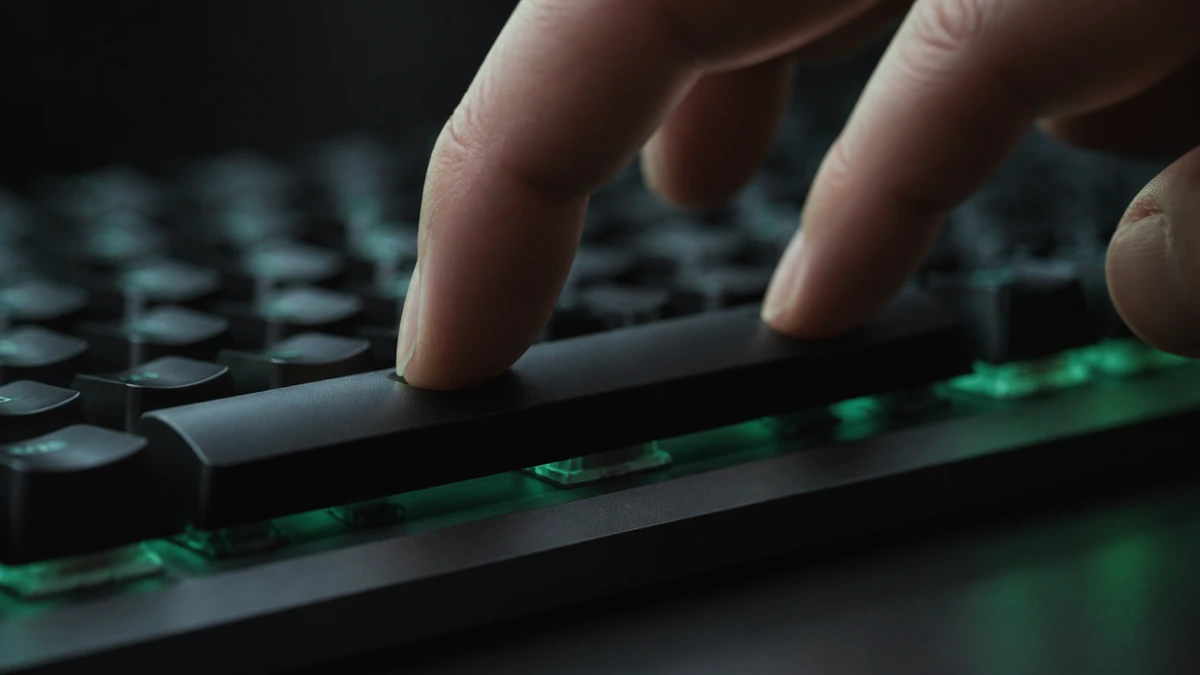
The spacebar changes the picture a little. Butterfly clicking maps naturally: two fingers alternating on the wide key is comfortable and effective, and it is the technique most fast spacebar clickers use. Jitter clicking is harder to apply to a key, because a keyboard does not report presses the way a mouse does, and the tremor is trickier to aim at a flat bar. In practice, the alternating approach wins for the spacebar.
Which should you learn
For the spacebar, learn two finger alternating, the butterfly style. It is faster than a single finger, easier to control than jitter, and kinder to your hand. Only explore jitter style methods if you genuinely enjoy them and your hand tolerates the tension well. Our techniques guide walks through the alternating method step by step, and the improvement guide shows how to drill it.
Frequently asked questions
Which is faster overall?
It depends on the person, but butterfly style alternating is faster to sustain for most people, while jitter can spike higher in short bursts.
Are these techniques cheating?
No. You are clicking with your own hand, which is what the tool measures. They only become meaningless if you switch to an auto clicker.
Which is better for the spacebar?
Two finger alternating, the butterfly style. It maps cleanly to the wide key and is easier to control than jitter.
Will these hurt my hand?
They can if overused, jitter especially. Keep sessions short, warm up, and stop at any discomfort.