The counter is the quiet engine behind every Spacebar Clicker. It does not look like much, just a number that ticks upward, but getting it right takes more care than you might expect. This guide opens up the spacebar counter and shows how it records each press, why it ignores certain signals, and how it turns a raw total into a fair, comparable score.
The short version
- The counter records the moment each spacebar press begins.
- Auto repeat from a held key is filtered out and never counts.
- A raw total means little until it is divided by time.
- Taps on a touchscreen are counted the same way as key presses.
The counter's one job
A spacebar counter exists to answer a single question: how many separate times did you press the key? That sounds trivial, but a keyboard sends more signals than most people realize. A good counter has to tell the difference between a genuine press and the stream of repeat signals a held key produces, and it has to record timing precisely enough to calculate a rate. Do those two things well and the rest of the tool falls into place.
How a press is detected
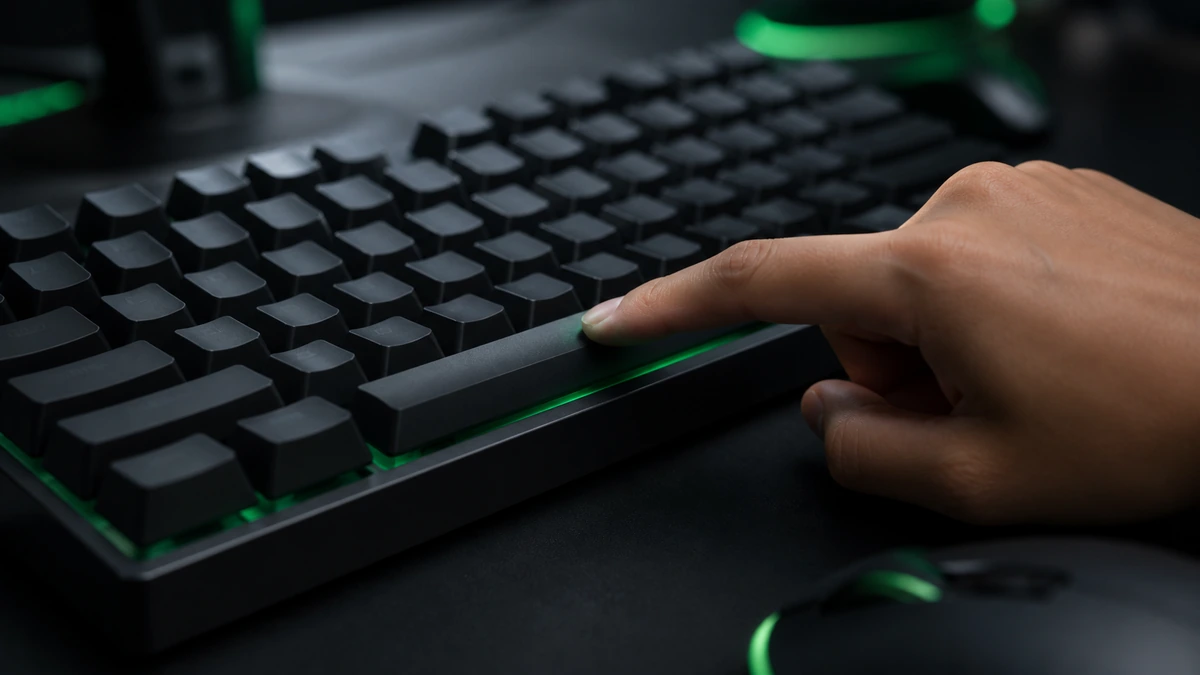
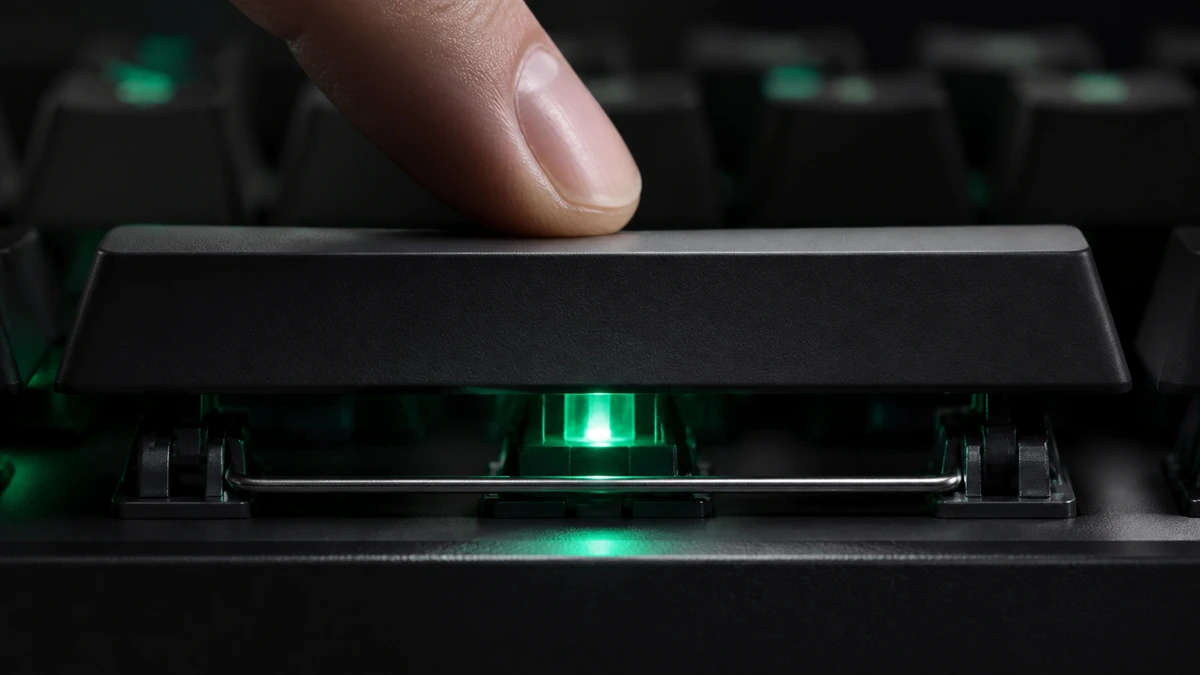
When you press the spacebar, your browser fires an event the instant the key goes down. The counter listens for that event and adds one to the total, then stores the exact time it happened. It deliberately reacts to the key going down rather than coming back up, because that is the moment you feel as the click and it keeps the timing tight.
Reacting to the key down also makes the tool feel responsive. The counter climbs the moment you press, not a fraction of a second later when you release, which matters when you are trying to build a fast rhythm.
Key down, not key up: counting on the press rather than the release keeps the feedback immediate and the timing accurate.
Why auto repeat is ignored
Here is the detail that separates an honest counter from a broken one. If you hold the spacebar down, your operating system starts sending repeat signals, the same behavior that types a long row of spaces in a document. If the counter accepted those, you could hold the key and rack up a huge, meaningless total. Instead, the tool detects and discards repeat signals, so a held key adds nothing. Only real, separate presses count.
This is also why auto clickers and macros produce a hollow score. The counter faithfully records the presses it receives, but if those presses are generated by software they no longer describe your speed. The tool is honest about what it measures, which is why the result is only meaningful when you click yourself.
Turning presses into a rate
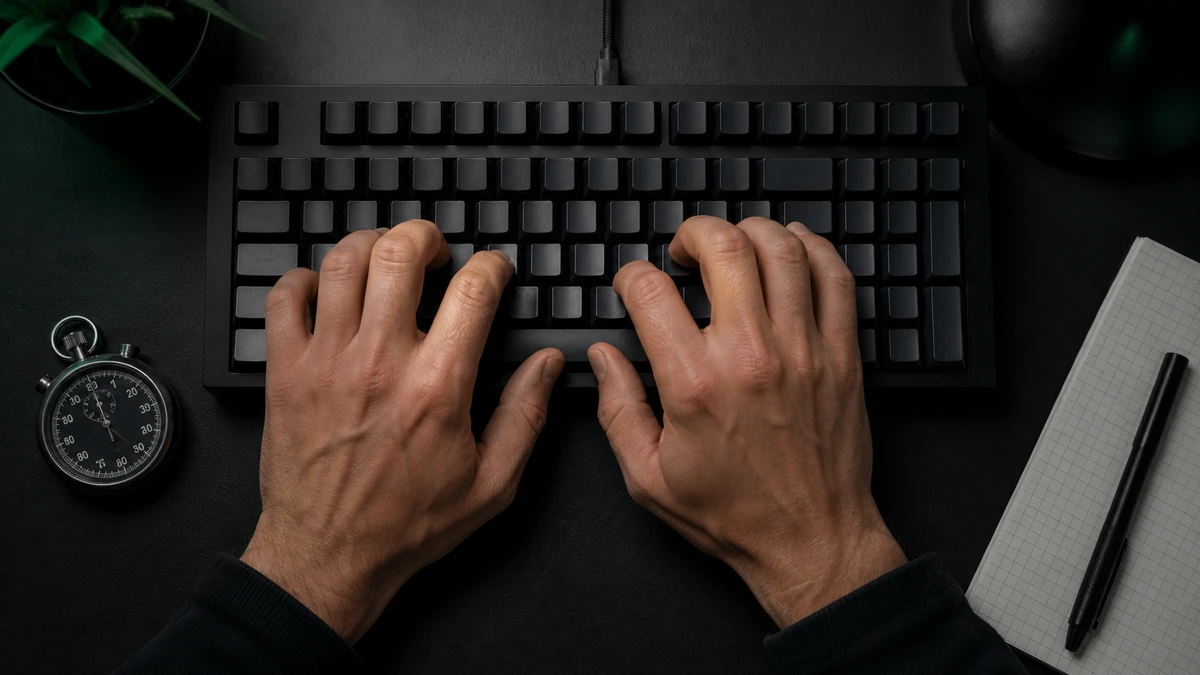
A raw total on its own tells you very little. Forty presses could be blazing fast or painfully slow depending on how long you took. That is why the counter always works alongside a timer. When your run ends, the tool divides your total by the elapsed time to give clicks per second, the rate that lets you compare any run against any other. Our CPS test guide covers that calculation in more detail.
Counting taps on a touchscreen
On a phone or tablet there is no physical spacebar, so the tool shows a large on screen key and counts taps instead. Each tap is treated exactly like a key press: the counter records the moment your finger lands and adds one to the total. Because touchscreens do not have auto repeat in the same way, the counter handles taps cleanly and the score is calculated with the identical formula.
What can affect accuracy
A few things can nudge your count. Resting a finger on the key can trigger the auto repeat filter and cause presses to be discarded, so lift cleanly between taps. A very old or failing keyboard can miss presses if its switches are worn. And a browser under heavy load from other tabs can occasionally drop an event. For the cleanest reading, close spare tabs, use a keyboard in good condition, and press deliberately.
Look after your hands. A counter makes rapid pressing addictive. Keep sessions short and rest if your hand aches. See our hand strain guide for simple habits.
Frequently asked questions
Does holding the spacebar increase my count?
No. Auto repeat from a held key is filtered out, so holding the key adds nothing. Only separate presses count.
Why did my count seem lower than my presses?
Resting a finger on the key or a worn switch can cause missed presses. Lift cleanly between taps and use a keyboard in good condition.
Is the touchscreen counter as accurate as the keyboard one?
Yes. Taps are recorded and timed the same way, and the score uses the identical formula.
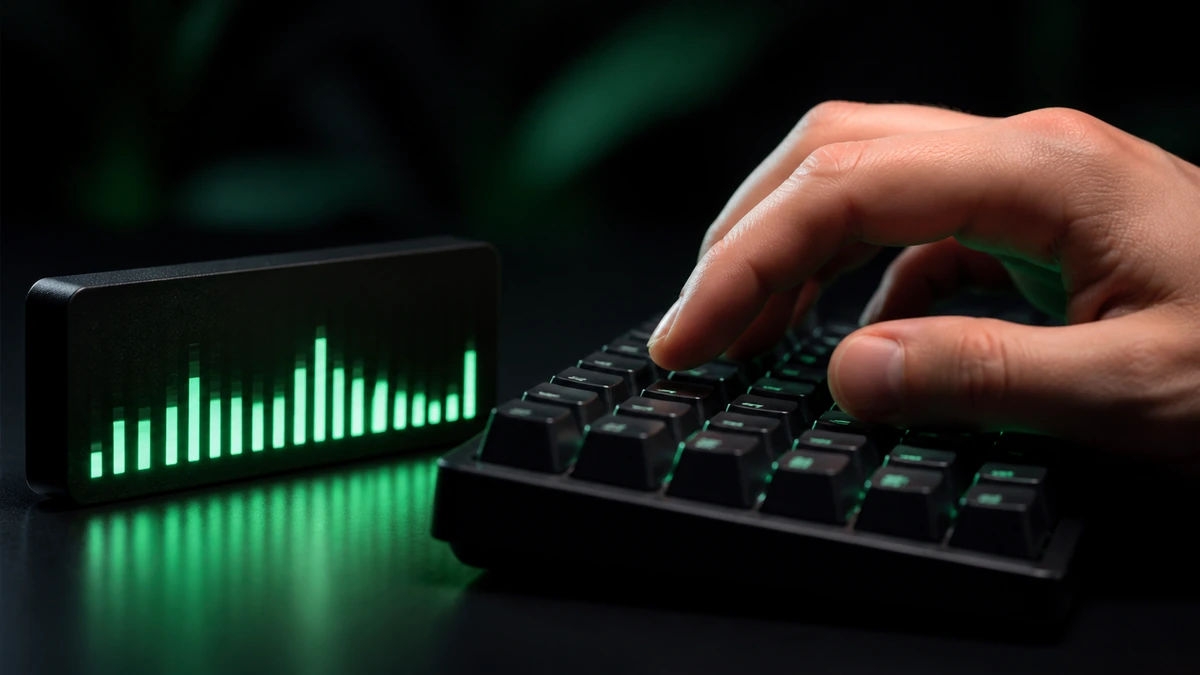
Can I see my count during a run?
Yes. The counter updates live, and your clicks per second update alongside it so you can watch your rhythm in real time.