A responsive keyboard is a faster keyboard. Dust, grime, and a poorly seated spacebar can all dull the crisp feedback that quick clicking relies on. A little regular maintenance keeps your board feeling sharp and your presses registering cleanly. This guide covers safe cleaning and simple fixes so your keyboard is always ready for Spacebar Clicker.
Work safely. Always unplug your keyboard before cleaning, and never use excessive liquid. If you are unsure about opening switches or removing keycaps, check your keyboard's own guidance first.
The short version
- Dust and grime dull a key's feedback and can cause missed presses.
- Unplug before cleaning and go gently.
- A sticky or rattly spacebar is usually a quick fix.
- Simple habits keep the board responsive between deep cleans.
Why maintenance affects clicking
Fast clicking depends on a key that presses and rebounds cleanly every single time. When dust builds up under a keycap or grime works into a switch, the key can feel sluggish, stick slightly, or even miss the occasional press. None of that helps when you are trying to register every tap. Keeping the board clean protects both the feel and the accuracy of your presses.
Cleaning your keyboard safely
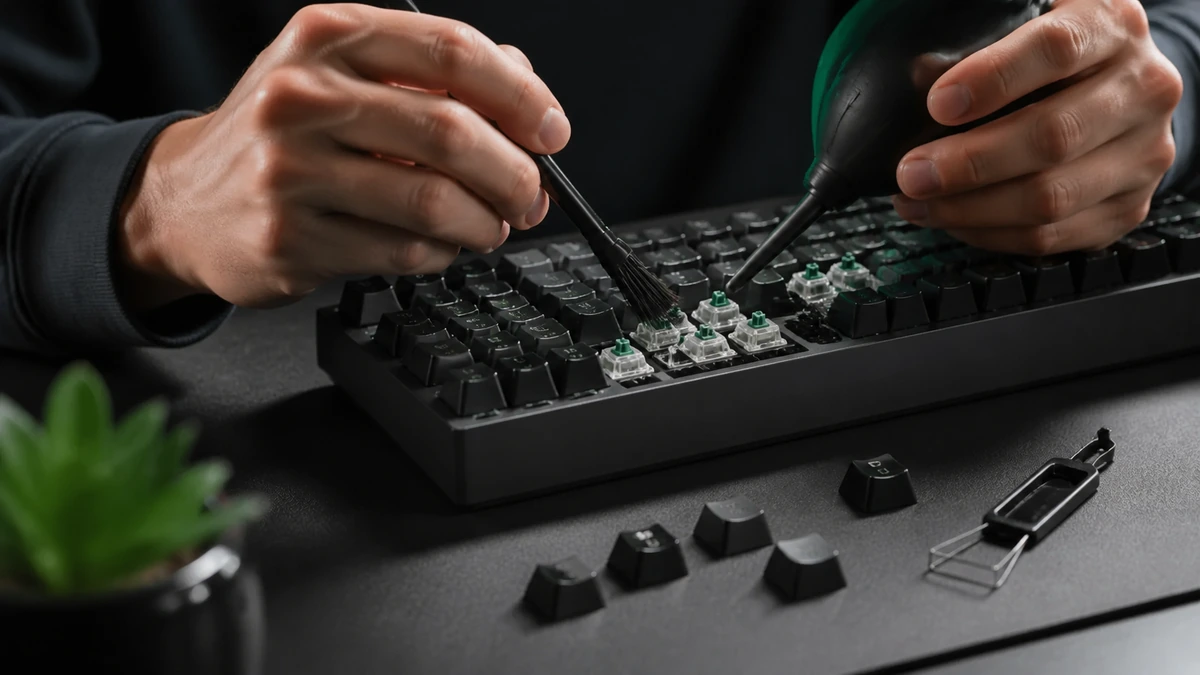
Start with the basics. Unplug the keyboard, turn it upside down, and gently shake out loose crumbs and dust. A can of compressed air or a soft brush clears debris from between the keys. For the surfaces, a lightly dampened cloth, not wet, wipes away oils and grime. Let everything dry fully before plugging back in. This gentle routine every few weeks prevents most buildup.
Little and often. A quick clean every few weeks is easier and safer than a rare, heavy deep clean, and it keeps the board feeling consistently fresh.
Cleaning under the spacebar
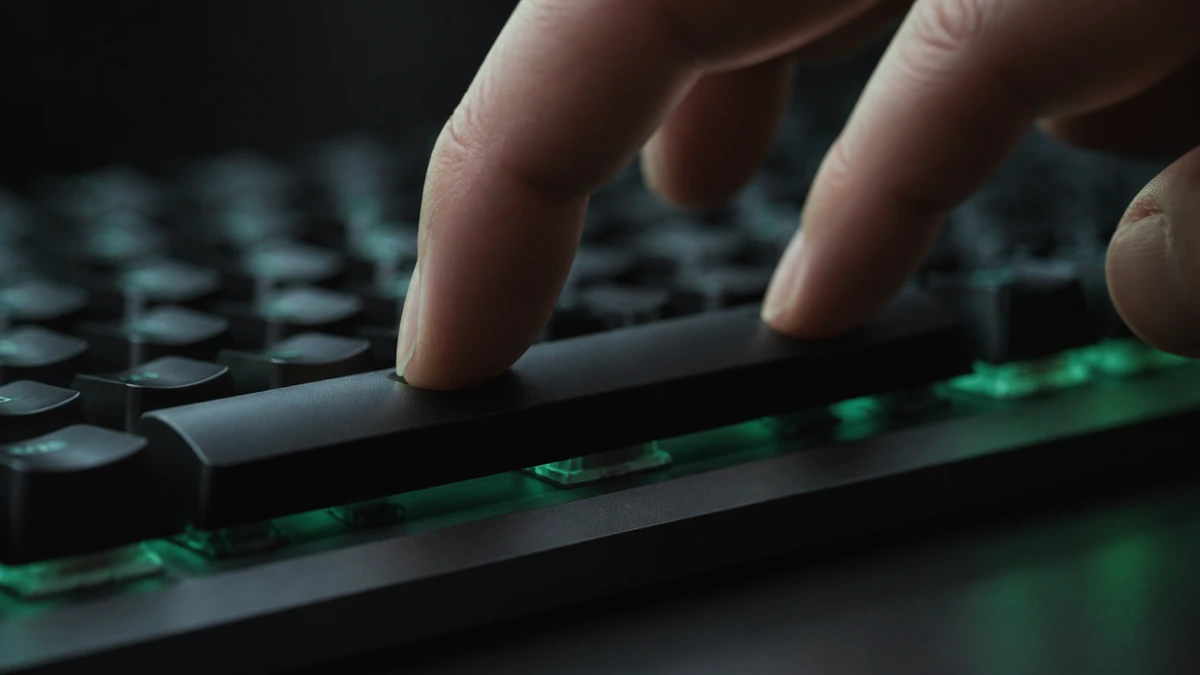
The spacebar is the key you care about most, and it collects the most debris because of its size. On many keyboards the spacebar keycap can be gently removed to clean underneath, though it is held by a wire and stabilizers, so take care and note how it sits before you lift it. Clean the exposed area softly, then reseat the keycap, pressing evenly until it clicks back into place. If you are not confident removing it, a brush and compressed air around the edges still helps.
Fixing a sticky key
A sticky key usually means something is caught under the cap or the switch has picked up grime. Removing the keycap and cleaning underneath solves most cases. If a key still feels sluggish after cleaning, the switch itself may be the culprit, and on some keyboards switches can be cleaned or replaced. A sticky spacebar is worth fixing promptly, since it directly slows your clicking and dulls your feedback.
Quieting a rattly spacebar
A rattly, hollow feeling spacebar is a stabilizer issue. The metal wire and plastic stabilizers that keep the long key level can rattle when they are dry or loose. On enthusiast keyboards, lubricating and tuning the stabilizers transforms the feel of the spacebar, giving it a clean, solid rebound that is much better for fast clicking. On sealed boards this is harder, but even reseating the keycap firmly can reduce rattle. Our keyboard guide explains why stabilizers matter so much.
Habits that keep it responsive
Prevention beats repair. A few simple habits keep your board in good shape: wash your hands before long sessions to reduce oil transfer, avoid eating over the keyboard, cover it when it is not in use if you can, and do a quick clean every few weeks. These small routines keep the spacebar crisp and your presses landing cleanly, which is exactly what you want for a fast, reliable score.
Frequently asked questions
How often should I clean my keyboard?
A light clean every few weeks prevents most buildup. A deeper clean once in a while handles anything the routine misses.
Can I remove the spacebar to clean it?
On many keyboards, yes, but it is held by a wire and stabilizers, so take care and note how it sits before lifting. If unsure, clean around it instead.
Why does my spacebar rattle?
Rattle usually comes from dry or loose stabilizers under the long key. Lubricating and tuning them, where possible, gives a cleaner feel.
Can a dirty keyboard lower my score?
Yes. Grime can cause a key to stick or miss presses, both of which slow your clicking and dull the feedback.